Throw a Friend for Monsters Players & Controls
Input overview for throwing friends, managing pens, and training Throw Power on PC or mobile.
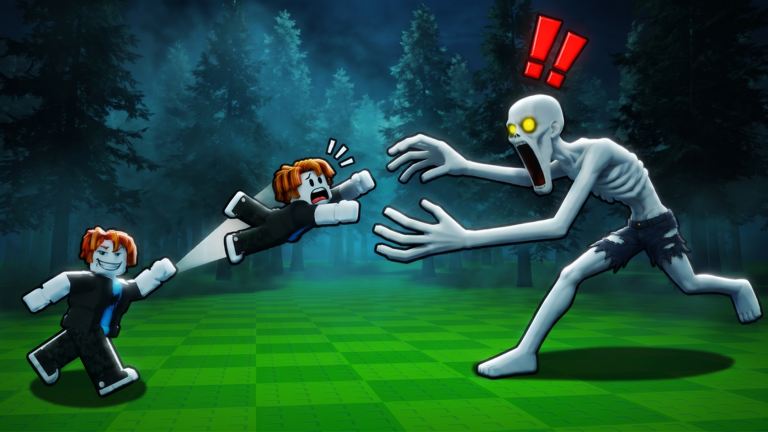
The Players Hub on this wiki is your controls and input home for Throw a Friend for Monsters. Unlike roster-heavy Roblox RPGs, this Yeet Lab simulation is about what you do with a friend projectile, monster pens, ropes, and Throw Power training — so “players” here means player controls and session skills, not a character gacha list.
Deep device maps live on Controls. This hub explains what actions exist, why they matter, and which guides teach the systems behind each button.
Core actions you must know
| Action | Why it matters | Learn more |
|---|---|---|
| Move / camera | Line up zone aim | Controls |
| Pick up / select friend | Start every throw | How to Throw |
| Throw / release | Lure monsters from zones | How to Throw |
| Collect / pen monsters | AFK income engine | Getting Started |
| Shop ropes | Distance gates | Ropes and Zones |
| Bench / dumbbell train | Raise Throw Power | Throw Power |
| Codes UI | Freebies like 1MVISITS | How to Redeem |
If any row is fuzzy on your device, open the Controls page before long farms.
PC vs mobile mindset
PC players usually enjoy finer camera control for scary-zone aim. Mobile players should expect more UI folding (menus hiding Codes or shop buttons) and should practice stable two-thumb throws. Both platforms share the same progression loop; only prompts differ.
Lag on high-population servers (~9–10k concurrent at research peaks) can delay input feedback. When releases feel mushy, switch servers rather than rebuilding your whole sensitivity settings first.
Real players as throw victims
Another human joining your session is not just co-op flavor — throwing a real friend grants extra luck for rarer outcomes. Coordinate on Catch Rare Monsters rules of etiquette: consent, role swaps, and saving luck throws for hunts that matter.
Session skills beyond raw keybinds
Controls get you into the verb; judgment keeps you climbing:
- When to bench vs throw (Throw Power)
- When to buy ropes vs upgrade pens (Ropes and Zones)
- What to keep in pens (Tier List)
- When automation is a bad idea on your main (Scripts)
Accessibility / comfort tips
- Lower camera shake if throws make you dizzy (check Roblox and in-game settings where available)
- Take breaks during long bench grinds
- Use quieter servers for learning aim
- Keep the wiki open on a second monitor or phone for Guides Hub checklists
How this hub links the rest of the wiki
New accounts should flow: Getting Started → this hub’s Controls → How to Throw → codes and pens. Veterans mostly reopen Controls after a UI patch listed on Updates.
Distinct from other “players” pages elsewhere
If you arrived expecting a unit tier list of playable heroes, you want the Monster Tier List instead — monsters are what you collect; you are always the thrower. This is not Yeet a Friend either; keep codes and guides on this place only.
Summary
Use the Players Hub to orient inputs and session habits, then dive into Controls for PC and mobile specifics. Every button exists to serve the loop: throw friend → lure monsters → pen cash → ropes & power → scarier zones.
Master the inputs, then master the systems behind them.
Frequently Asked Questions
Quick answers for codes, throw power, ropes, and monster farming.
Where are the full PC and mobile controls?
Open the Controls subpage linked from this hub for device-specific input notes and troubleshooting.
Why is there no character roster here?
Throw a Friend for Monsters focuses on throwing, pens, and upgrades. Monster priorities live under the Tier List hub instead.
Do controls differ when throwing a real friend?
The throw inputs are the same; the difference is the extra luck bonus and the need to coordinate with the other player.
Inputs feel delayed — is it my setup?
Busy servers can add lag. Try a lower-population server before heavily retuning sensitivity.